
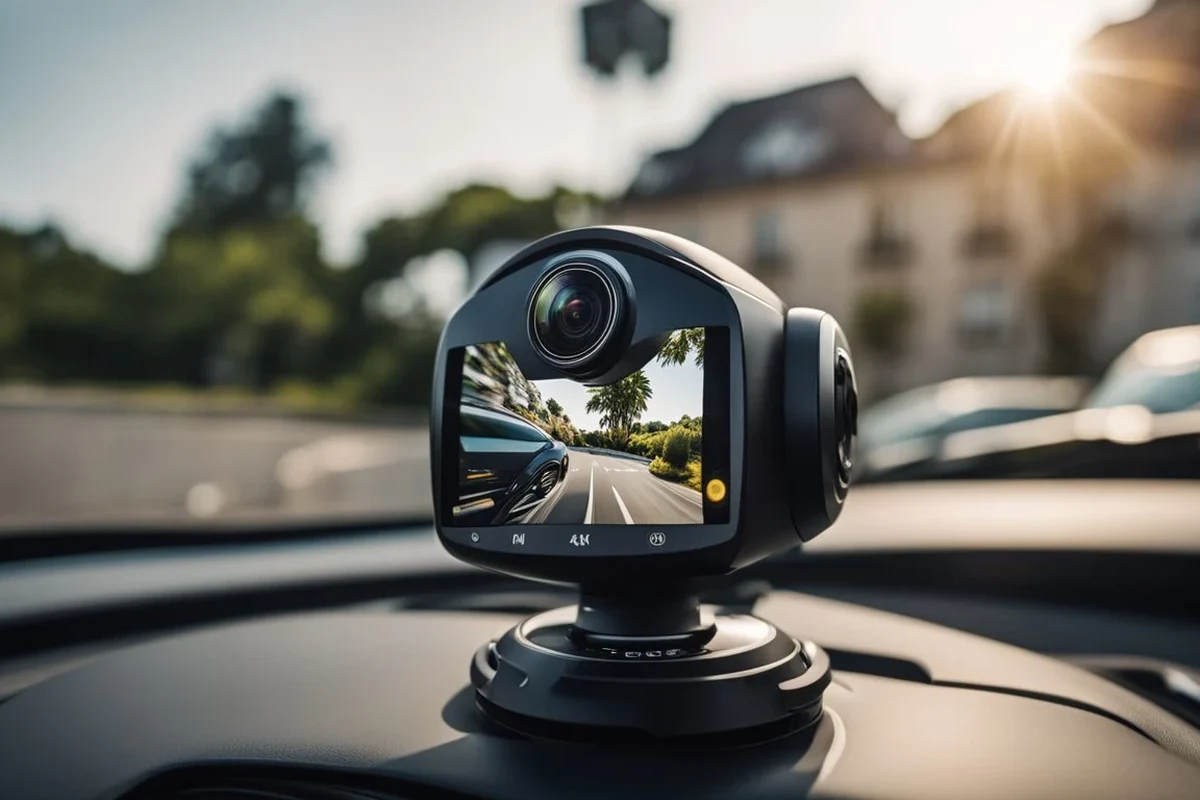
A vehicle interior camera is most useful when you need cabin accountability, passenger evidence, or family monitoring. If you rarely carry passengers, you can usually skip it and focus on a better front-facing dash cam instead.
A vehicle interior camera can be a smart add-on if you want clearer visibility inside the cabin for safety, accountability, or rideshare documentation. In 2026, the best reason to buy one is simple: it helps capture what happened inside the car without relying on memory alone.
- Best fit: Families, rideshare drivers, fleets, and anyone who needs cabin evidence.
- Top features: Low-light clarity, wide-angle coverage, storage management, and event locking.
- Watch out for: Privacy concerns, weak apps, and poor night performance.
- Setup matters: Safe mounting and clean wiring are as important as image quality.
What a Vehicle Interior Camera Is and Whether You Need One in 2026

A vehicle interior camera is a cabin-facing camera that records the inside of a car, truck, van, or rideshare vehicle. Some models are standalone units, while others are part of a dual- or triple-camera dash cam system that also records the road and rear view.
My Best Car Dealer Guide
If you already think of dash cams as outside-the-car protection, an interior camera is the next step when passenger accountability matters just as much as road footage.
How an interior camera works inside a car, truck, or rideshare vehicle
Most interior cameras mount near the rearview mirror, windshield, or upper cabin area so they can see the driver and passenger seats. They usually record continuously to a memory card and may use infrared or low-light sensors to capture usable footage at night.
Some interior cameras are designed for evidence, while others are built more for convenience, such as watching pets or checking on kids in the back seat. If you are comparing systems, it helps to understand the difference between a simple cabin camera and a full dash cam package. For broader context on camera placement and viewing angles, you may also want to read what a backup camera does and how it works.
Who it fits best: families, commuters, teen drivers, fleet owners, and rideshare drivers
Interior cameras fit best when more than one person regularly rides in the vehicle. Families may want them for peace of mind, while rideshare and delivery drivers often use them to document interactions and protect against false claims.
Useful if you park in public areas or want extra documentation, but not essential for everyone.
Helpful for kids, car seats, and back-seat behavior, especially on long or busy school runs.
Worth considering only if accountability or security is a real concern, since simpler models may be enough.
Top Reasons Drivers Buy a Vehicle Interior Camera
Most buyers are not shopping for an interior camera because it is trendy. They want a practical record of what happened in the cabin, especially when the situation could become a dispute later.
Passenger safety and accountability
An interior camera can discourage aggressive behavior, unsafe distractions, or arguments between passengers and drivers. In rideshare, shuttle, or family settings, that extra layer of accountability can make daily driving feel more controlled.
Evidence for incidents, disputes, and insurance claims
If a passenger damages the cabin, makes a false complaint, or a conflict escalates, interior footage can help clarify what happened. It is not a guarantee that every insurer or authority will accept the footage in the same way, but it can still be useful evidence when paired with time stamps and road footage.
Do not rely on a camera as a substitute for safe driving, good judgment, or legal compliance. If your vehicle has a safety issue, open recall, or damaged mounting area, fix that first before adding accessories.
Monitoring kids, pets, and cargo during everyday driving
Many families use cabin cameras to keep an eye on back-seat behavior, sleeping children, or pets riding in crates or harnesses. Some owners also use them to monitor loose cargo in the cabin, especially after shopping trips or when transporting tools.
For drivers who spend a lot of time maintaining the inside of the vehicle, pairing a camera with a good cleaning routine can help keep the cabin and footage clearer. A helpful companion read is the car interior maintenance guide, since dirty glass, dust, and glare can affect image quality.
Key Features to Compare Before You Buy
The right interior camera is less about flashy marketing and more about whether it records usable footage in the conditions you actually drive in. Focus on visibility, storage, power, and privacy controls before price or app extras.
Video quality, low-light performance, and wide-angle coverage
Look for enough resolution to identify faces and cabin activity without making files too large to manage easily. Low-light performance matters a lot because many cabin events happen at dusk, night, or in parking lots.
A wide-angle lens is helpful, but too wide can distort faces or make details harder to read. The goal is balanced coverage of the front seats and rear seating area, not just a dramatic-looking spec sheet.
Audio recording, privacy controls, and event locking
Audio can be useful when you need context for an incident, but it also raises privacy concerns. Some cameras let you disable audio, mute recording, or turn off cabin capture when you do not need it.
Event locking is another important feature. It saves a clip when the camera senses impact, sudden movement, or a manual button press, which helps prevent important footage from being overwritten.
Storage options, loop recording, and app connectivity
Most interior cameras use microSD storage with loop recording, meaning old footage is automatically replaced when the card fills up. That is convenient, but it also means you need to understand how much footage your card can hold and how quickly it overwrites clips.
App connectivity can make it easier to review clips, change settings, or download files. Still, app quality varies a lot, and a weak app can be more frustrating than helpful.
- Choose a memory card that is rated for continuous recording, not just casual file storage.
- Check whether the app works well on your phone before you commit to a camera.
- Make sure important clips can be locked manually, not only by impact detection.
Power source, hardwiring, and parking mode support
Some interior cameras plug into a 12V outlet, while others are hardwired for cleaner installation and parking mode support. Parking mode can be useful if you want the camera to monitor the cabin while the vehicle is off, but it may require extra wiring or a battery-management setup.
If you are also thinking about broader vehicle upkeep, this is a good time to review preventative maintenance basics. Accessories that draw power should be installed carefully so they do not create battery drain or electrical issues.
Best Use Cases and Which Type of Driver Benefits Most
Interior cameras are not equally valuable for every driver. The best fit depends on how often other people ride in your vehicle and how much documentation you want if something goes wrong.
Family vehicles and school-run safety
Parents often like cabin cameras because they can help document back-seat behavior, especially with younger children or multiple car seats. They can also be useful for confirming whether a child was properly secured or whether an incident happened during the drive.
Rideshare, delivery, and fleet monitoring
These drivers often benefit the most because cabin disputes, passenger complaints, and vehicle damage are more likely to become business issues. A camera can add a layer of accountability without requiring constant attention from the driver.
Most important decision pointIf the car regularly carries strangers, employees, kids, or pets, an interior camera is more likely to earn its keep.
Daily commuters who want added security
Even a solo commuter may find value in interior footage if the vehicle is frequently parked in public, used for rides from friends, or shared with others. In that case, the camera is less about daily entertainment and more about evidence and peace of mind.
Drivers who may not need one and can skip the upgrade
If you rarely carry passengers, do not need cabin evidence, and already have a solid road-facing dash cam, an interior camera may be unnecessary. In that case, your money may be better spent on tires, maintenance, or a more reliable front-and-rear camera setup.
- Captures passenger-side incidents that road cameras miss
- Helps with accountability in rideshare, family, and fleet use
- Can support insurance or dispute documentation
- Raises privacy concerns for passengers
- Quality varies widely in low light and app performance
- May require more setup than a basic dash cam
Setup, Placement, and Safe Use Tips
Good placement matters as much as good hardware. A poorly mounted camera can miss the cabin, block your view, or create legal and privacy problems.
Where to mount the camera for clear cabin visibility
Most interior cameras work best when mounted high and centered, often near the windshield or mirror area. That position usually gives the camera a better angle on both front and rear occupants without taking up usable space.
How to avoid obstructing airbags, mirrors, and driver vision
Never place a camera where it interferes with airbags, mirror adjustment, or the driver’s line of sight. If the mount or cable hangs into the windshield area, it can become a distraction or even create a safety issue.
- Route cables neatly and keep the mount secure
- Check that the camera does not block mirrors or warning lights
- Review the owner’s manual for airbag zones before installing anything
- Mounting the camera where it could detach in a crash
- Running wires across the steering area or airbag path
- Assuming any placement is safe just because the camera is small
Privacy, consent, and recording etiquette for passengers
Recording laws and consent rules vary by location, so you should confirm local requirements before using audio or video recording in your vehicle. Even where recording is allowed, it is usually smart to tell passengers that a camera is active.
A clear notice can reduce tension and prevent misunderstandings. That is especially important for rideshare drivers, carpool situations, and family vehicles with older children or regular passengers.
Local recording rules can differ by state, province, or country. If you are unsure, check local law before enabling audio or using footage outside the vehicle.
Common Mistakes Buyers Make
Many buyers focus on the headline feature and miss the details that determine whether the camera will actually be useful after installation. The most common mistakes are easy to avoid once you know what to look for.
Choosing poor night vision or too narrow a field of view
A camera that looks fine in daylight can become nearly useless at night if the cabin is dark. Likewise, a narrow lens may capture only part of the front row and miss important activity in the back seat.
Ignoring storage limits and overwrite settings
Loop recording is convenient, but if you do not understand the overwrite cycle, you may lose important footage before you save it. Check how long the camera records on your chosen card and whether event clips are truly protected from deletion.
Overlooking app reliability, wiring quality, and heat resistance
Some cameras look good on paper but have unreliable apps or weak wiring accessories. Heat resistance matters too, especially in hot climates where parked vehicles can become extremely warm and stress electronics over time.
If you are comparing interior camera options with other cabin electronics, it may help to think the same way you would when choosing a sound system or accessory package: the features must work in real life, not just on the box. A related read on cabin tech is vehicle music system options, which shows why app quality and installation details matter across accessories.
Care, Cleaning, and Long-Term Maintenance
An interior camera does not need much attention, but it does need occasional care. Clean optics, secure mounts, and updated software can make a bigger difference than many shoppers expect.
How to clean lenses and keep footage clear
Use a soft microfiber cloth and a gentle cleaning method approved for electronics or camera lenses. Avoid harsh chemicals that can haze the lens cover or damage the housing.
Checking mounts, cables, memory cards, and firmware updates
Inspect the mount occasionally to make sure vibration has not shifted the angle. It is also smart to check the memory card for wear, confirm that cables are not fraying, and install firmware updates when the manufacturer provides them.
Seasonal care for hot and cold climates
Extreme temperatures can affect electronics, adhesives, and memory cards. In hot weather, check that the camera remains firmly attached and does not overheat while parked; in cold weather, make sure it powers up normally and that the card still records properly.
- Interior cameras are most useful when passenger accountability matters.
- Low-light quality, storage management, and safe mounting matter more than flashy extras.
- Check privacy rules, heat resistance, and app reliability before buying.
Value, Limitations, and Final Recommendation
A good interior camera is worth considering when it solves a real problem: passenger disputes, family monitoring, rideshare documentation, or cabin security. If it only adds complexity without a clear use case, the value drops quickly.
What a good interior camera is worth for the price
Because pricing varies by brand, resolution, storage support, and whether the system includes front and rear coverage, it is better to compare features than chase the lowest sticker price. Confirm current pricing, warranty terms, and return policy with the seller before buying.
Trade-offs: privacy concerns, installation effort, and evidence limits
The biggest trade-off is privacy. Recording inside a vehicle can make passengers uncomfortable if it is not disclosed, and footage may not always be accepted the same way in every dispute or claim.
Transparent verdict on who should buy one now
If you drive families, passengers, or business riders and want reliable cabin documentation, a vehicle interior camera is a practical upgrade in 2026. If your vehicle mostly carries only you, or if privacy and simplicity matter more than recording, you can probably skip it and invest in a better front-facing dash cam or other safety gear instead.
A vehicle interior camera makes the most sense for rideshare drivers, fleet operators, and families who want cabin accountability without guesswork. It is less compelling for solo drivers, and buyers should confirm local recording rules, mounting safety, and storage needs before choosing a model.
Common Questions
Only if you regularly carry passengers, want cabin evidence, or need extra accountability. Solo drivers often get more value from a front-facing dash cam.
Many can, but night performance varies a lot. Look for low-light support or infrared features if you drive after dark.
It may help document what happened, but acceptance can vary by insurer and situation. Save clips quickly and keep time stamps accurate.
Hardwiring can provide a cleaner install and parking mode support. A plug-in setup is simpler and may be enough for lighter use.
They often ignore low-light quality and storage limits. Those two details usually determine whether the footage is actually usable.
Frequently Asked Questions
It records the cabin of a car, truck, or rideshare vehicle for safety, accountability, or documentation. Many drivers use it to capture passenger incidents, disputes, or everyday family use.
Look at low-light performance, field of view, storage handling, event locking, and privacy controls first. App reliability and safe mounting are also important.
Some do, and some let you disable audio. Because recording laws vary, check local rules before using audio recording with passengers.
Keep the lens clean, check the mount and wiring, update firmware when available, and inspect the memory card regularly. Heat and cold can affect performance, so seasonal checks help.
It can be worth it if you often carry passengers, park in public areas, or want cabin evidence. If you drive mostly alone, it may not add enough value.
Confirm current compatibility, storage requirements, installation needs, warranty terms, and local recording laws. If the system is hardwired, make sure the installation will not interfere with airbags or driver visibility.