
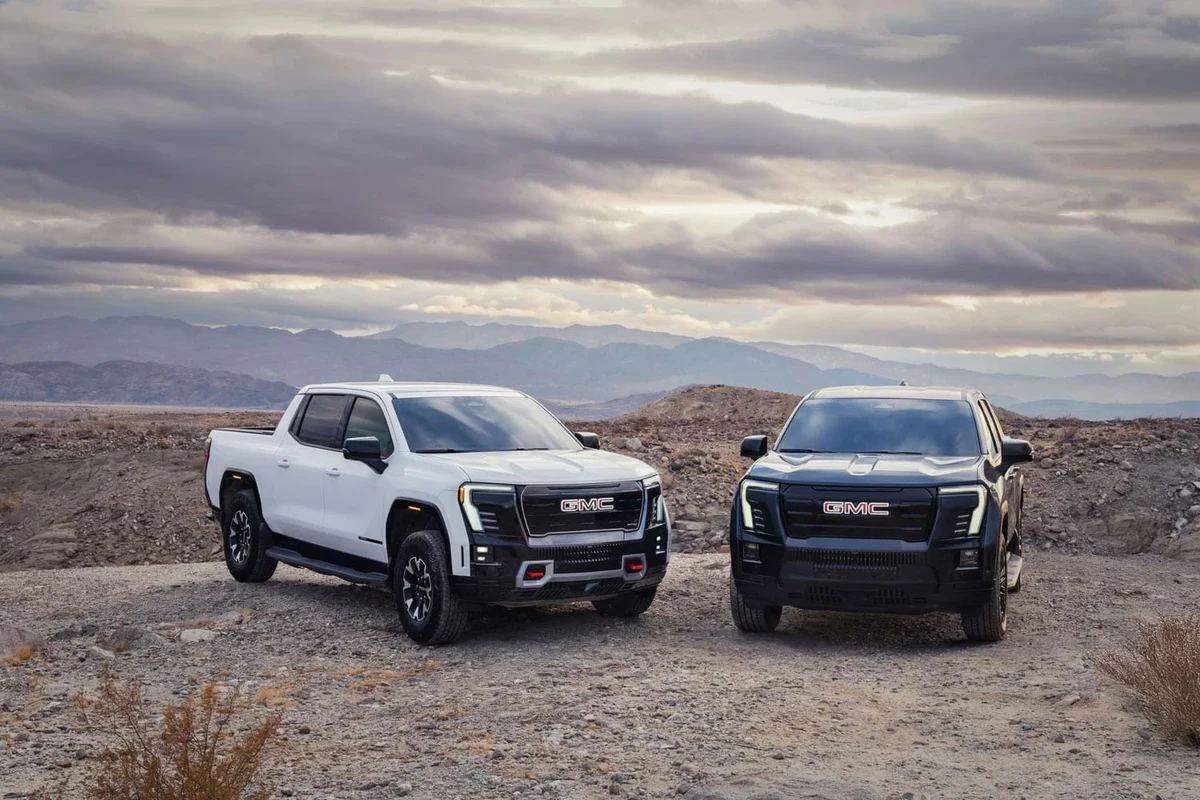
A truck dash cam is worth it if you want clear evidence, better accountability, and added peace of mind on the road. The best setup depends on video quality, heat resistance, storage, and the power source you plan to use.
A truck dash cam is one of the most practical upgrades you can add to a work truck or daily pickup in 2026. It can record collisions, theft attempts, road incidents, and insurance disputes, but the right model depends on video quality, heat resistance, storage, and how you power it.
- Evidence first: A truck dash cam is most valuable when it captures usable footage after an.
- Match the truck: Heat resistance, mounting position, and power setup matter as much as image quality.
- Parking mode needs planning: Hardwiring or a battery pack may be necessary for reliable off-engine recording.
- Storage matters: High-resolution cameras can overwrite clips quickly if the memory card is too small.
Truck Dash Cam: What It Is and Why It Matters for Drivers in 2026

A truck dash cam is a compact in-cab camera system designed to record the road, and sometimes the cabin or rear view, while you drive or park. For truck owners, the value goes beyond simple video recording: it can help document tailgating, cargo-area incidents, hit-and-runs, and parking lot damage, especially when a vehicle spends long hours on the road or at job sites.
In 2026, many drivers are also paying closer attention to features like cloud backup, app access, GPS tagging, and parking mode. Those features can be useful, but they should not distract from the basics: clear footage, dependable power, and a design that can survive heat, vibration, and constant use.
If you already know you want a truck-focused setup, related guides like best dash cam for trucks and front-and-rear dash cams for pickup trucks can help narrow the feature set before you compare brands.
Who a Truck Dash Cam Is Best For: Fleet Drivers, Owner-Operators, and Everyday Truck Owners
Truck dash cams are useful for more than commercial fleets. Fleet drivers often need consistent evidence for incident reports, owner-operators may want protection when they are responsible for the vehicle and cargo, and everyday truck owners may simply want more peace of mind during commuting, towing, or family travel.
For fleet use, the biggest advantage is documentation. A dash cam can reduce uncertainty after a claim, especially when multiple drivers, delivery stops, or shared vehicles are involved. For owner-operators and contractors, it can also support claims tied to loading areas, job sites, and overnight parking.
Everyday pickup owners may care more about convenience. If you use your truck for school runs, weekend towing, or long highway drives, a reliable camera can capture events that would otherwise come down to one driver’s word against another’s.
Helpful when you need repeatable evidence, route accountability, and a simple incident record.
Useful for protecting your truck, cargo, and business operations during long hours on the road.
A smart choice if you commute, tow, park in public lots, or want protection from false claims.
How to Choose the Right Truck Dash Cam: Video Quality, Night Vision, GPS, and Storage
The best truck dash cam is the one that records usable evidence in the conditions you actually face. That usually means balancing resolution, low-light clarity, GPS data, storage capacity, and a power setup that matches how you drive.
Essential Features That Affect Real-World Use
Video quality matters, but resolution alone does not guarantee readable footage. A camera that records clearly in bright daylight may still struggle with glare, rain, or nighttime headlights. Look for a model with strong dynamic range, a wide-enough field of view, and dependable night performance rather than chasing the highest number on the box.
GPS can be helpful if you want location and speed data attached to clips, especially for commercial or dispute-related use. Parking mode is another major feature, but it only works well if the dash cam has an appropriate power source, such as a hardwire kit or battery pack. If you are comparing power options, the guides on dash cam battery packs and how to hardwire a dash cam for parking mode are useful starting points.
Storage is easy to overlook. High-resolution video fills cards quickly, so loop recording, card endurance, and file management matter. If the camera does not handle storage well, it can overwrite important clips or fail when you need evidence most.
Budget vs. Premium Models: What You Actually Get
Budget truck dash cams can still be worthwhile if they record reliably and capture key events clearly. At the lower end, you may give up app polish, advanced parking protection, stronger heat tolerance, or better rear-camera integration. That does not automatically make them bad; it just means you should focus on the features that matter most to your use case.
Premium models usually earn their higher cost through better sensors, more stable connectivity, dual-channel recording, smarter parking features, and more durable hardware. In truck use, premium can also mean better performance in harsh temperatures and fewer headaches with firmware or app support.
Top Benefits of a Truck Dash Cam: Safety, Insurance Protection, and Incident Evidence
The biggest benefit of a truck dash cam is evidence. If another driver cuts you off, backs into you, or disputes fault after an incident, video can help show what happened. That does not guarantee a claim outcome, but it can make the facts much easier to review.
Safety is another practical benefit. Knowing the vehicle is recording can encourage more careful driving and can help companies reinforce accountability in fleet settings. For families, it can also reduce stress during long trips or crowded parking situations.
Insurance protection is often discussed, but it is best understood as documentation support rather than a guaranteed discount or payout. Policies, claim handling, and premium changes vary by insurer. The real value is that footage can reduce ambiguity when an adjuster, police officer, or other driver needs a timeline.
Many dash cams can overwrite old footage automatically, so the most important clips are only safe if you know how to lock or export them quickly.
Limitations and Common Mistakes Buyers Make Before Installing a Truck Dash Cam
Dash cams are helpful, but they are not perfect. Buyers often assume any camera will work well in a truck simply because it powers on. In reality, mounting position, storage management, power delivery, and heat resistance all affect whether the camera is useful when something actually happens.
Overlooking Mounting Position, Storage Limits, and Power Needs
Mounting position affects what the camera sees. If the lens is blocked by tint bands, mirrors, sun visors, or accessories, the footage may miss the most important part of an incident. A poor angle can also make license plates harder to read.
Storage limits are another common issue. If the card is too small, old clips may be overwritten too quickly. If the card is low quality, it may fail under constant writing. For help with storage maintenance, see how to format an SD card for a dash cam.
Power needs matter just as much. Some trucks offer easy accessory power, while others are better suited to hardwiring or a battery pack. If parking mode matters to you, plan the power setup before you buy the camera, not after.
Ignoring Heat Resistance, Connectivity, and App Reliability
Heat is a major concern in trucks, especially if the vehicle sits outdoors for long periods. A camera that is fine in mild weather may become unstable in summer sun. Check the manufacturer’s operating-temperature guidance rather than assuming all dash cams are equally durable.
Connectivity is another area where marketing can be misleading. App control, Wi-Fi downloads, and cloud features are convenient only if the software is stable. A camera with a clunky app can be frustrating when you need to export footage quickly. If your truck lives in hotter climates, a regional guide like dash cams for Texas heat may help you think through durability first.
- Captures evidence after collisions, theft attempts, and parking incidents
- Can support fleet accountability and driver protection
- Useful for towing, commuting, and long-haul travel
- Needs correct mounting, power, and storage management
- Performance can drop in heat, glare, or poor low-light conditions
- App and cloud features may be unreliable on some models
How to Install and Set Up a Truck Dash Cam the Right Way
Installation quality matters as much as camera quality. A well-placed, properly powered dash cam is more likely to capture usable footage and less likely to create noise, loose wiring, or power issues later.
Mounting, Wiring, and Initial Configuration Steps
Place the camera where it has a wide, unobstructed view of the road and does not interfere with driving visibility.
Decide whether you will use a cigarette-lighter adapter, hardwire kit, or battery pack before routing any cables.
Confirm resolution, loop length, date and time, and parking mode settings so the camera records usable files from day one.
If you want a cleaner install, the guides on hiding dash cam wires in the headliner and installing a dash cam with a cigarette lighter can help you understand the basic approaches before you begin.
Safe Use, Legal Considerations, and Best Practices on the Road
Before you place a camera in a truck, make sure it does not block your view or violate local windshield rules. Laws about windshield placement, audio recording, and privacy can vary by state or province, so it is smart to confirm the rules where you drive most often.
If your camera records cabin audio, remember that consent rules may apply in some places. For fleet or commercial use, it is also wise to tell drivers how the camera is used and who can access footage.
Do not mount a dash cam where it blocks the road view, distracts the driver, or interferes with airbags, mirrors, or vehicle controls.
Maintenance, Cleaning, and Long-Term Care for Reliable Dash Cam Performance
Truck dash cams need light but regular care. Dust, vibration, heat, and repeated file writing can all affect performance over time. A dirty lens or loose mount can make otherwise good hardware less useful.
Wipe the lens gently when needed, check that the mount is still secure, and confirm the camera still powers on after service visits or battery disconnections. It is also smart to review footage occasionally so you can catch problems before the camera fails silently.
Memory cards deserve attention too. If the camera starts freezing, missing clips, or showing file errors, the card may need formatting or replacement. For drivers who want a broader setup with backup power, the related guides on dash cam battery pack 2 and how a dash cam works when the car is off can help explain parking-mode behavior and power management.
- Check the date and time after power loss or battery service.
- Format the memory card periodically using the camera’s menu when recommended by the manufacturer.
- Inspect the mount and cable routing after rough roads, hot weather, or interior work.
- Export important clips right away instead of trusting them to stay on the card forever.
Final Verdict: Is a Truck Dash Cam Worth It for Your Driving Needs?
For most truck owners, yes—a truck dash cam is worth considering because it adds practical evidence, peace of mind, and protection in situations where memory alone is not enough. It is especially useful for fleet drivers, owner-operators, commuters who park in public places, and anyone who tows or drives long distances.
The best choice is not necessarily the most expensive one. Focus on clear footage, dependable night performance, a power setup that matches your truck, and a mount that keeps the camera legal and unobtrusive. If you want the simplest answer, choose a model that records reliably in your real driving conditions and supports the storage and parking features you will actually use.
A truck dash cam makes the most sense for drivers who want evidence, accountability, and added confidence on the road. If your truck spends time in heat, on job sites, or in parking lots, prioritize durability and power options over flashy extras.
Common Questions
Fleet drivers, owner-operators, and truck owners who park in public areas benefit the most. It is also useful for commuters and families who want evidence after an accident.
Yes, especially if you drive early, late, or in low-light areas. Good night performance can make the difference between useful footage and unreadable video.
Not always, but it can help with location and route records. It is especially helpful for business use or incident documentation.
It can if parking mode is set up poorly. Use the correct power method and follow the manufacturer’s guidance to reduce risk.
There is no universal schedule, but cards wear out over time because dash cams write constantly. Replace the card if it starts showing errors, freezing, or missing clips.
Frequently Asked Questions
A truck dash cam is chosen with truck use in mind, so durability, heat resistance, parking mode, and power options matter more. Many drivers also want wider coverage or rear recording for towing, cargo, or larger blind spots.
Focus on clear video quality, strong night performance, reliable storage, GPS if you want location data, and a power setup that fits your truck. App features are nice, but dependable recording is more important.
Some do, but heat tolerance varies by model. Check the manufacturer’s temperature guidance and avoid assuming a cheap camera will hold up in direct sun or summer parking conditions.
Check the lens, mount, and memory card regularly, and make sure the camera still powers on after any service work or battery disconnect. If files start missing or freezing, the card may need formatting or replacement.
Parking mode is useful if your truck is often left in lots, at job sites, or overnight in public areas. It only works well if the camera has the right power source, such as a hardwire kit or battery pack.
Check windshield-mount rules, audio-recording laws, and whether the camera blocks your view or interferes with airbags or mirrors. If the truck is part of a fleet, confirm company policies for footage access and driver notification.