
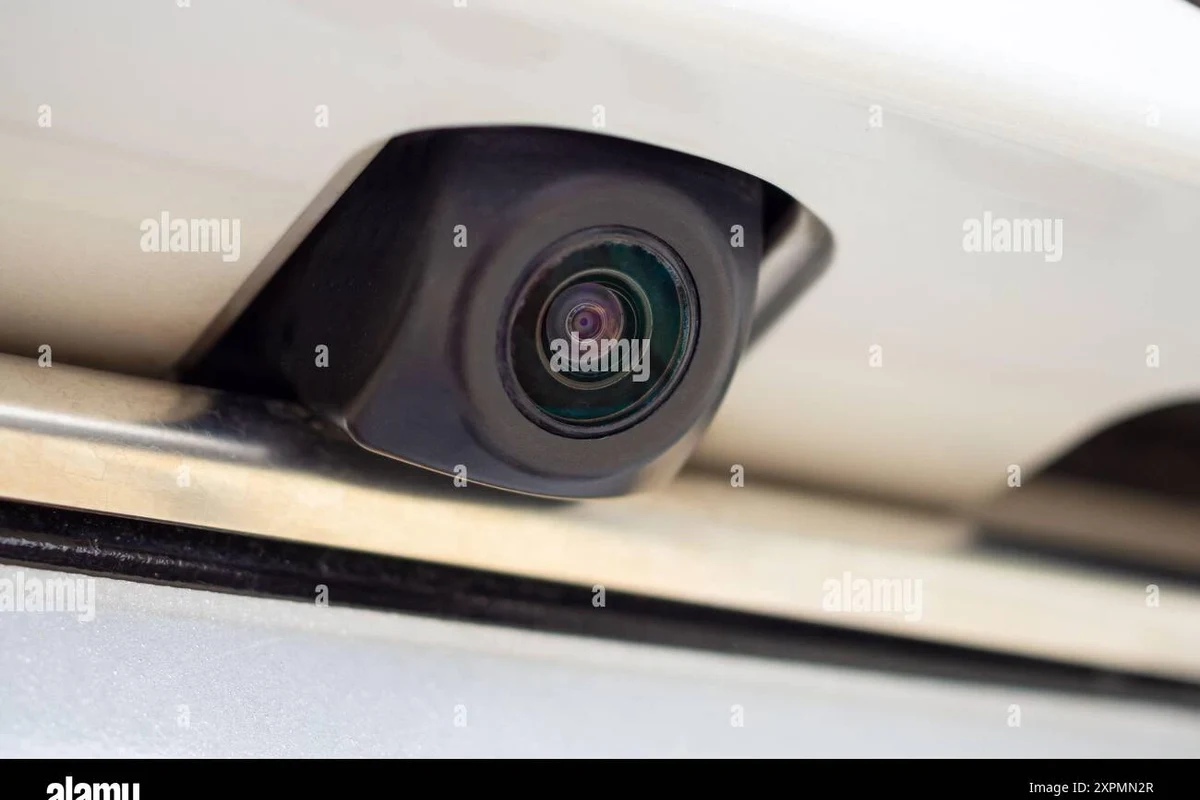
A rear camera is worth it for drivers who want better visibility and easier parking, especially in larger vehicles or tight spaces. The best choice depends on image quality, compatibility, weather resistance, and how simple you want installation to be.
A rear camera makes reversing easier by showing the area behind your vehicle on a screen, which can help with parking, tight driveways, and low-speed safety. If you drive a larger vehicle, back into crowded spaces often, or want more confidence when backing up, it is one of the most practical visibility upgrades you can add.
- Best use case: Rear cameras help most with parking, backing out of driveways, and low-speed safety.
- Key buying factors: Check image quality, night vision, viewing angle, latency, and vehicle compatibility.
- Installation matters: Wired systems are often more stable, while wireless systems can be easier to set.
- Know the limits: A rear camera improves awareness, but it does not replace mirrors or careful driving.
Rear Camera: What It Is and Whether You Actually Need One

A rear camera, often called a backup camera, is a camera mounted at the back of a vehicle that sends a live video feed to a display inside the cabin. It does not replace mirrors or careful checking, but it gives you a clearer view of what is directly behind the car, especially in areas that are hard to see from the driver’s seat.
How a rear camera works in everyday driving
In most vehicles, the camera activates automatically when you shift into reverse. The image appears on a factory screen, mirror display, or aftermarket monitor, often with parking guidelines that help estimate distance and wheel path. Some systems show a wide-angle view, while others are designed for a more natural perspective with less distortion.
For everyday driving, the biggest benefit is awareness. A rear camera can help you notice curbs, posts, shopping carts, low walls, pets, and children that may not be visible through the rear window. If you want a deeper explanation of how these systems function, see what a backup camera is and how it works.
Who benefits most: commuters, new drivers, families, and towing users
Commuters benefit because parking is usually where small mistakes happen. New drivers often gain confidence faster when they can see the space behind the vehicle instead of relying only on mirrors and guesswork. Families appreciate the extra awareness in school pickup lanes, driveways, and neighborhoods where children may move unpredictably.
Towing users and drivers who haul cargo also gain value from a rear camera, especially when the rear window is blocked by a trailer, luggage, or tall equipment. In those cases, the camera becomes less of a convenience feature and more of a visibility aid. If you are also thinking about recording traffic or parking events, a front-and-rear dash cam setup may be worth comparing alongside a rear camera.
Top Reasons to Buy a Rear Camera in 2026
In 2026, rear cameras remain one of the simplest safety and convenience upgrades because they solve a daily problem: limited rear visibility. Even with good mirrors, many vehicles still have blind zones directly behind the bumper, and that is where a camera helps most.
Parking confidence, blind-spot awareness, and low-speed safety
The main reason to buy a rear camera is confidence. Backing into a parking space, lining up with a curb, or easing out of a driveway becomes easier when you can see the area behind the vehicle in real time. That matters most at low speeds, where small corrections can prevent scrapes and close calls.
A rear camera also helps with blind-spot awareness behind the vehicle. Mirrors are excellent for side traffic, but they do not always show low obstacles or objects directly behind the bumper. A camera fills in that gap and can reduce the chance of bumping into something you did not expect to be there.
Benefits for larger vehicles, tight garages, and nighttime backing
Larger SUVs, trucks, vans, and vehicles with high cargo areas usually benefit the most because the rear view is naturally more limited. Tight garages are another common use case, especially when you need to stop close to a wall without guessing. Nighttime backing is also easier when the camera has decent low-light performance and the display remains readable in dim conditions.
Many factory rear cameras are paired with parking guidelines, but the quality of those guidelines can vary widely from one vehicle to another.
What to Look for Before You Buy
Not every rear camera is the same, and the right choice depends on how you drive, what vehicle you own, and how much installation work you want to take on. The best purchase is usually the one that matches your car’s screen setup, your parking habits, and your weather exposure.
Image quality, night vision, viewing angle, and latency
Image quality affects how easy it is to identify objects, lines, and movement behind the vehicle. Night vision matters if you park in dark driveways, garages, or street spaces. A wider viewing angle can show more of the area behind you, but extremely wide lenses may make objects look farther away than they really are, so balance matters.
Latency is the delay between what happens behind the vehicle and what appears on screen. A small delay is normal, but a noticeable lag can make the system feel less natural when you are backing into a tight space. If you are comparing options, look for clear product descriptions rather than assuming every “HD” camera will perform the same way.
Wired vs. wireless setups and compatibility with your vehicle
Wired systems usually offer a more stable signal because the camera sends video through a physical connection. Wireless systems can be easier to install in some vehicles, but they may be more vulnerable to interference depending on the vehicle layout and surrounding electronics. The trade-off is convenience versus consistency.
Compatibility is just as important. Some vehicles already have a factory screen that can accept an integrated camera, while others need a mirror display or separate monitor. Before buying, confirm whether the camera is meant for your specific make, model, year, and trim, because trim level can affect wiring, screen integration, and software support.
Factory infotainment systems, trim packages, and region-specific equipment can change what kind of rear camera will work without adapters or extra modules.
Durability, weather resistance, and parking guidelines
Because the camera sits outside the vehicle, it needs to handle rain, dust, road grime, heat, and vibration. Weather resistance matters more than many shoppers expect, especially if you live where winters bring slush or summers bring heavy sun exposure. A poorly protected camera can fog up, corrode, or fail earlier than expected.
Parking guidelines are helpful, but they should be treated as a guide rather than a guarantee. Some systems use fixed lines, while others move with the steering wheel. Either way, you still need to look around, check mirrors, and move slowly.
- Confirm vehicle compatibility by year, trim, and screen type
- Check whether the camera is wired, wireless, or factory-integrated
- Review weather resistance and low-light performance
- Verify whether parking guidelines are included and adjustable
Rear Camera Features That Matter Most
Some features sound impressive on a product page but do little in daily use. The features that matter most are the ones that improve visibility, reduce confusion, and fit the way you actually reverse.
Display integration: mirror-mounted, dash unit, or factory screen
Mirror-mounted displays are popular because they keep the screen near your line of sight without taking up dashboard space. Dash-mounted units can offer a larger display and more flexibility, but they may require more wiring and can clutter the cabin if poorly placed. Factory screen integration is usually the cleanest option when the vehicle supports it.
For shoppers who want a tidy setup, the display matters almost as much as the camera itself. A bright, readable screen can be easier to use in daylight than a larger but dimmer one. If you are considering a truck-specific setup, a pickup truck front-and-rear dash cam guide can also help you think through rear visibility and cabin layout together.
Guidelines, parking assist overlays, and motion detection
Parking guidelines can make it easier to estimate distance, especially for drivers who back up often. Some systems add overlays such as trajectory lines, object warnings, or grid markers. These can be useful, but they are only as good as their calibration and should not be treated as a substitute for looking behind you.
Motion detection is more common in camera systems that also record video. That feature can help document what happens around the vehicle while parked, but it may also increase power use or complexity. If you do not need recording, a simpler rear camera may be the better value.
Audio alerts, recording support, and smart safety add-ons
Some rear camera systems include audio alerts when an object gets close. That can be helpful in noisy environments or for drivers who prefer a second cue beyond the screen. Recording support is another useful add-on if you want parking documentation, though storage management becomes part of ownership.
Smart safety add-ons can include cross-traffic warnings, split-screen views, or integration with other driver-assistance tools. These features are convenient, but the real question is whether they improve your daily routine enough to justify the extra cost and setup complexity.
Installation and Setup: What to Expect
Installation difficulty ranges from simple plug-and-play kits to systems that require routing wires through interior panels. The right approach depends on whether you want a basic aftermarket setup or a more integrated solution that blends into the vehicle.
Basic install steps for aftermarket rear cameras
Most aftermarket setups follow a similar pattern. The camera mounts at the rear of the vehicle, power and signal connections are routed to the display, and the system is tested before finalizing the installation. Some kits are designed for license-plate mounting, while others replace a trim piece or integrate into the hatch handle area.
Choose a position with a clear rear view and minimal obstruction from trim, wipers, or cargo accessories.
Keep cables away from sharp edges, moving parts, and areas exposed to heat or water.
Confirm the picture appears correctly and that the guidelines, if included, make sense for your parking space.
Common setup mistakes and how to avoid them
One common mistake is mounting the camera too high, too low, or at an angle that distorts the rear view. Another is leaving wiring loose where it can rattle, pinch, or wear through over time. Some buyers also forget to test the image in daylight and at night, only to discover later that the screen is hard to read in one of those conditions.
To avoid problems, read the vehicle-specific instructions first, then confirm the camera angle before permanently securing anything. If your vehicle has sensitive electronics or a complicated trim layout, small mistakes can create bigger headaches than the camera itself is worth.
When to choose professional installation
Professional installation makes sense when the vehicle has a complex infotainment system, a hard-to-reach rear hatch, or wiring that must be integrated cleanly with existing electronics. It can also be the safer choice if you are uncomfortable removing interior panels or working around airbags, sensors, or factory harnesses.
If you want an integrated result and do not want to risk damaging trim or wiring, paying for installation may be the better long-term value even if the upfront cost is higher. Always confirm labor, parts compatibility, and warranty implications with the installer before moving forward.
If you are comparing camera kits, treat installation difficulty as part of the total price. A cheaper kit can become expensive if it needs adapters, extra wiring, or professional labor.
Safety, Care, and Maintenance Tips
A rear camera only helps if it stays clean, visible, and properly connected. Regular care is simple, but it matters because the camera sits in one of the dirtiest places on the vehicle.
Cleaning the lens and protecting wiring from damage
Road grime, salt, dust, and water spots can blur the image quickly. Cleaning the lens with a soft cloth and a gentle cleaner helps preserve clarity without scratching the surface. During seasonal maintenance, it is also smart to inspect exposed wiring and mounting points for looseness or wear.
Wire protection is especially important on vehicles that see rough roads, winter weather, or frequent cargo loading. If a cable is pinched, stretched, or exposed, the system may fail intermittently long before it stops working completely.
Checking for fogging, water intrusion, and signal issues
Fogging inside the lens housing can make the image look cloudy, while water intrusion can lead to corrosion or electrical failure. If the picture flickers, cuts out, or appears delayed, the issue may be a loose connection, interference, or a failing component. It is better to diagnose those problems early than to rely on a camera that works only sometimes.
Do not rely on a rear camera as your only reversing tool. Always check mirrors, turn your head, and move slowly, especially in driveways, school zones, and crowded parking lots.
Best practices for safe reversing with a rear camera
Use the camera as a confirmation tool, not as a replacement for awareness. Back up slowly, pause if the image is unclear, and remember that wide-angle lenses can make distance harder to judge. If the vehicle has cross-traffic alerts or sensors, listen to them, but still verify the area yourself.
- Check mirrors and surroundings before reversing
- Keep the lens clean and the mount secure
- Use the camera to confirm what you already see
- Backing up while staring only at the screen
- Ignoring a blurry or delayed image
- Assuming guidelines are perfectly accurate in every situation
Limitations, Budget Considerations, and Value
Rear cameras are useful, but they are not magic. Understanding where they help most—and where they do not—will help you spend money wisely.
Where rear cameras help and where they cannot replace mirrors or awareness
A rear camera is excellent for low-speed backing, close-quarters parking, and spotting obstacles behind the bumper. It is much less useful for judging side clearance, tracking fast-moving traffic, or replacing basic driving habits. Mirrors still matter, and so does looking around before moving.
That is why the best setups combine camera visibility with traditional awareness. The camera gives you a better picture of the space behind the vehicle, but it cannot predict a pedestrian stepping into view or a driver crossing behind you too quickly.
Budget ranges, new-vs-used considerations, and upgrade value
Prices vary widely depending on whether you choose a simple aftermarket camera, a multi-camera system, or a factory-style integration. Because brand, display type, wiring complexity, and vehicle compatibility all affect cost, it is better to compare total installed value than to focus on the sticker price alone. If you are shopping used equipment, check the condition carefully and confirm that all required parts are included before buying.
For many drivers, the upgrade value is strongest when the vehicle is kept for several years or used daily in tight spaces. In that case, the convenience and safety benefits can justify spending a little more for better clarity, a cleaner install, or stronger weather resistance.
Final recommendation: the best type of rear camera for different drivers
For most commuters and family drivers, a rear camera that integrates cleanly with the vehicle’s existing screen or a bright mirror-mounted display is the most practical choice. For truck, SUV, and towing users, prioritize a wider view, strong low-light performance, and durable construction. For budget shoppers, a simple wired aftermarket camera can still deliver strong everyday value if compatibility and installation are handled carefully.
If you reverse often, park in tight spaces, or drive a vehicle with limited rear visibility, a rear camera is one of the most worthwhile safety and convenience upgrades you can buy. Choose the simplest system that gives you a clear image, reliable installation, and the right fit for your vehicle, then confirm compatibility and safety details with the manufacturer or installer before you commit.
Common Questions
It shows a live view behind your vehicle when you reverse. That makes parking and low-speed backing easier and safer.
Yes, especially if you park in tight spaces or back out of crowded driveways. Even small cars can have blind spots behind the bumper.
Clear image quality is the first thing to prioritize. After that, look at night vision, viewing angle, and compatibility.
Many do, but performance varies by model. Look for strong low-light visibility if you often park after dark.
Simple kits may be manageable, but complex factory integrations are often better handled by a professional. That reduces the risk of wiring or trim problems.
Frequently Asked Questions
Drivers who park often, back into tight spaces, or drive larger vehicles usually benefit the most. New drivers and families also tend to appreciate the extra visibility.
Focus on image clarity, night performance, viewing angle, latency, and weather resistance. Then confirm that the system fits your vehicle and display setup.
Not always. Compatibility depends on your vehicle’s make, model, year, trim, and whether you have a factory screen or need an aftermarket display.
Clean the lens regularly and inspect the wiring for damage or looseness. If the image becomes blurry, delayed, or inconsistent, have the system checked.
Often yes, if you reverse frequently or have limited rear visibility. A basic wired system can still provide strong everyday value if it is installed correctly.
Confirm compatibility, installation requirements, warranty terms, and whether the system includes the display or only the camera. If you are buying a vehicle with a factory camera, also check the vehicle history and recall status.