
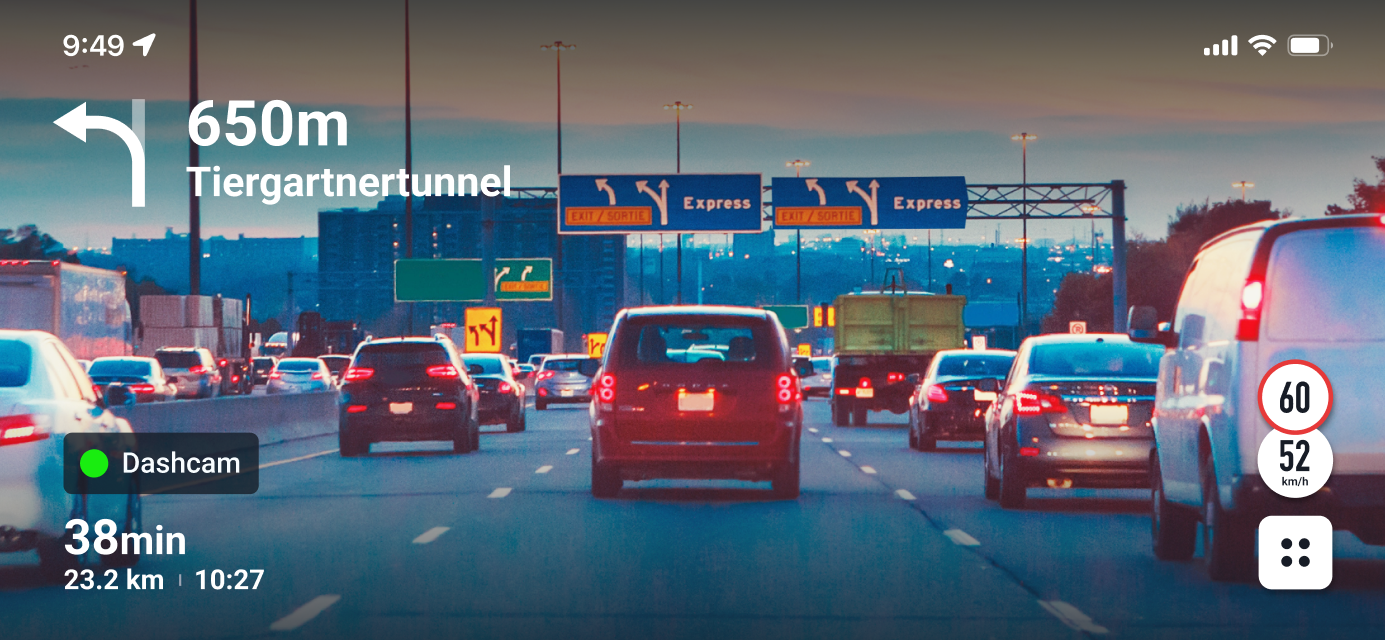
A dashcam video is a continuous recording of your drive for safety and proof.
I’ve installed and tested many models across seasons and states. This guide breaks down dashcam video with clear steps, real examples, and expert tips. If you care about evidence, safety, and smart setup, this is for you.

What is a dashcam video and how it works
A dashcam video is footage captured by a small car camera. It starts when your car starts. It saves clips to a microSD card in short loops. When the card is full, it overwrites the oldest files.
Key parts include the lens, image sensor, processor, GPS, and G-sensor. The G-sensor locks clips during impacts. Many units add Wi-Fi for phone access. Some include 4G LTE for cloud uploads.
Common modes include loop recording, event recording, parking mode, time-lapse, and motion detect. Modern dashcam video often uses H.264 or H.265 compression. That helps store more footage with good quality.
Why dashcam video matters
Dashcam video protects you from false claims. It helps in crashes and hit-and-runs. It can show who was at fault when memory fails.
It can deter fraud and road rage. Some people drive better when they know they are on camera. Parents and fleets use it to coach drivers. Many insurers accept dashcam video during claims.
Key benefits:
- Clear evidence that speeds up claims and police reports
- Peace of mind during daily commutes and long trips
- Support for parking incidents when you are away
- Training help for teen drivers or new team members
- Trip logs with GPS routes and speed stamps
Limits, risks, and mistakes to avoid
Dashcam video is not perfect. Glare, rain, fog, or dirt can blur plates. Night scenes may show noise. Heat can cause reboots or card errors.
Avoid these mistakes:
- Using non-endurance microSD cards that fail fast
- Placing the camera low or off-center
- Leaving the date and time wrong
- Setting the G-sensor too high or too low
- Forgetting to check footage and update firmware
Know that posting dashcam video online can raise privacy issues. Think before you share faces or plates.
Laws, privacy, and consent in the US
Dashcam video rules vary by state. Most states allow video in public roads. Windshield mount rules can differ by location. Some states want the camera placed behind the mirror. Always check local law before you mount.
Audio recording is sensitive. Many states allow one-party consent. Some require two-party consent. To be safe, turn off audio or post signs for rideshare work.
Do not record where people expect privacy. Be careful at gates, schools, and private lots. This article is general info, not legal advice.
Buying guide: choose the right dashcam
Pick a dashcam based on your drive, budget, and climate. A basic front cam works for solo drivers. A dual setup adds a rear view. A three-channel unit adds an interior camera with IR for rideshare work.
Core features to weigh:
- Resolution and sensor 1080p is fine. 2K or 4K helps with plates.
- Frame rate 60 fps helps with motion. It boosts clarity at speed.
- HDR or WDR Better detail in shadows and sun.
- Bitrate and codec Higher bitrate and H.265 improve detail.
- Field of view 130–150 degrees avoids warping and keeps edges sharp.
- Parking mode Buffered mode captures before and after bumps.
- GPS and speed stamps Useful for evidence. You can disable speed stamps if needed.
- Filters A CPL filter can cut glass glare.
- Power 12V plug, OBD, hardwire, or a battery pack.
- Storage High endurance microSD cards last longer in heat.
- App and cloud Wi-Fi helps. LTE cloud is great for fleets.
If you only need short trips, a simple dashcam is enough. For long city drives, get higher bitrate and better HDR. For hot regions, prefer a cam with supercapacitors over batteries.
Setup and installation
Place the dashcam high and centered behind the mirror. Keep it out of your view. Clean the glass with alcohol. Stick the mount and hold for a few seconds.
Route the cable along the headliner and A-pillar. Keep clear of airbags. Tuck lines into trim. Use a 90-degree USB plug if space is tight.
Set key options on day one:
- Time zone, date, and units
- Loop length and max bitrate
- G-sensor at medium
- GPS on, speed stamp off if you prefer
- Parking mode with safe voltage cutoff
If you hardwire, use a proper kit. Pick an always-on fuse for parking mode. Pick a switched fuse for driving. Set a battery cutoff to prevent a no-start.
Best practices for dashcam video quality
Dashcam video looks best with a clean lens and screen. Wipe both sides of the windshield often. A small smudge can ruin a plate.
Use HDR or WDR for strong sun. In bright light, drop exposure by 0.3 to 0.7. At night, keep exposure at default. Raise bitrate if your card can handle it.
Add a CPL filter to cut dash reflections. Aim the camera so the horizon is one third from the top. Avoid aiming at the sky. Check sample dashcam video on a short test drive. Adjust until plates look sharp.
In hot weather, use window shades and park in shade. In cold weather, warm the cabin before you peel mounts.
Managing, editing, and sharing dashcam video
Dashcam video files are often MP4 or MOV. They use H.264 or H.265. Most clips are one to five minutes long. Event clips are locked to stop overwrite.
Good habits:
- Offload key clips after any incident
- Keep a spare high endurance card in the car
- Back up to two places, like cloud and a drive
- Mark, tag, and rename clips with date and place
When you share dashcam video, protect privacy. Blur faces and plates. Mute audio if consent is not clear. Do not post sensitive locations. For police or insurance, keep the original file. Note the date and time.
Simple tools can trim, merge, and add blur. Many dashcams have mobile apps. You can export with GPS and map overlays.
Real-world stories and lessons learned
A driver cut me off on a rainy night. He slammed the brakes. My dashcam video showed his sudden stop and my safe gap. The claim closed fast with no stress.
My parked car got hit at a mall. Parking mode caught the plate as the driver pulled away. Police matched it in hours. Since then, I always check my parking settings.
Lessons learned:
- Use high endurance cards and replace them on a schedule
- Check sample clips monthly
- Keep lens clean and the horizon level
- Lock key clips at once so they do not get overwritten
- Save dashcam video with a clear name and date
Troubleshooting and maintenance
If the dashcam reboots, check power and the microSD card. Cheap cards cause many issues. Reformat the card in the camera each month.
If GPS is slow, give it a few minutes in open sky. If you see glare, add a CPL filter and clean the dash. If heat shuts it down, upgrade the card and add airflow.
Maintenance tips:
- Reformat the card monthly inside the camera
- Replace the card every 6–12 months for daily use
- Update firmware after you back up files
- Inspect cables each oil change
- Test parking mode twice a year
Future of dashcam video
Dashcam video is getting smarter. AI can spot lanes, tailgating, and phone use. It can flag near-misses and coach drivers after the trip.
Quality is rising too. Expect 4K at 60 fps with strong HDR. Cloud uploads will trigger on impact with LTE. Cars will add built-in dashcams with secure storage. Privacy by design will matter more each year.
Frequently Asked Questions of dashcam video
Are dashcam videos legal in court?
Yes, dashcam video is often accepted as evidence. Rules vary by state and judge, so keep files original and time-stamped.
Can a dashcam drain my car battery?
Parking mode can drain a battery if set wrong. Use a hardwire kit with a cutoff and set a safe voltage level.
What size microSD card should I use?
Use a high endurance card of 128GB or more for daily use. It stores more dashcam video and lasts longer in heat.
Will 4K capture plates better than 1080p?
Often yes, if bitrate and lens quality are strong. Motion blur and glare still matter, so test settings.
Should I record audio?
Audio helps context, but laws vary. If unsure, turn audio off or post consent signs for passengers.
How long can 64GB store?
It depends on bitrate and codec. On average, 64GB can hold a few hours of 1080p dashcam video at standard bitrate.
Do insurers give discounts for dashcams?
Some do, and many accept dashcam video during claims. Ask your insurer and keep clips ready as evidence.
Conclusion
A good dashcam video setup turns chaos into clarity. It gives you proof, calm, and control on every drive. With the right camera, card, and habits, you can capture sharp, useful footage day and night.
Start with solid gear and clean installs. Check your clips, follow local laws, and back up fast. Want more help? Subscribe for guides, compare picks, and share your questions in the comments.